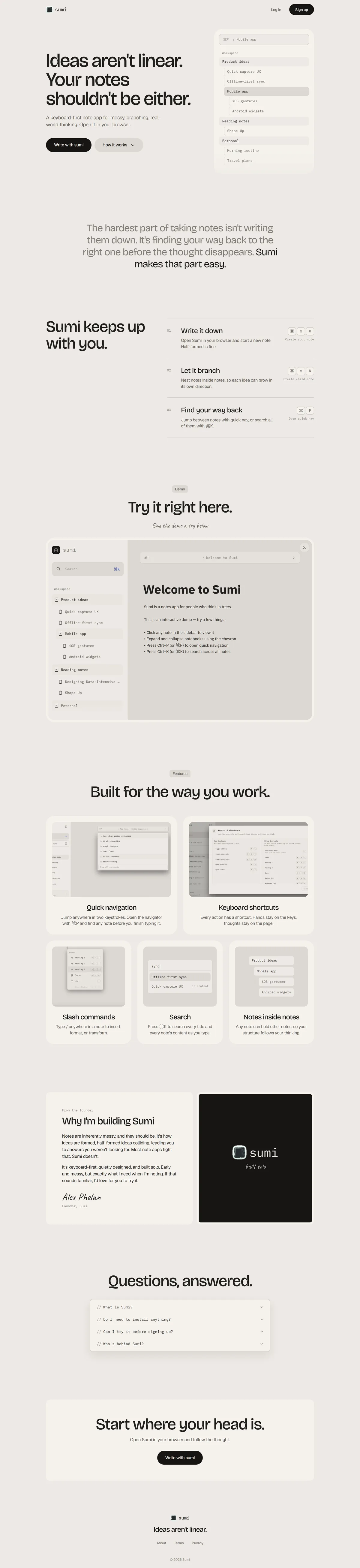
Sumi is a keyboard-first note app for messy, branching, real-world thinking. Notes are end-to-end encrypted, work offline, and run on the web and as a macOS app.
I lead the brand, product and design. I'm not an engineer, so I build Sumi with Claude Code. My job is deciding what it should be, shaping how it works, and testing every change until it feels right.
Why Sumi
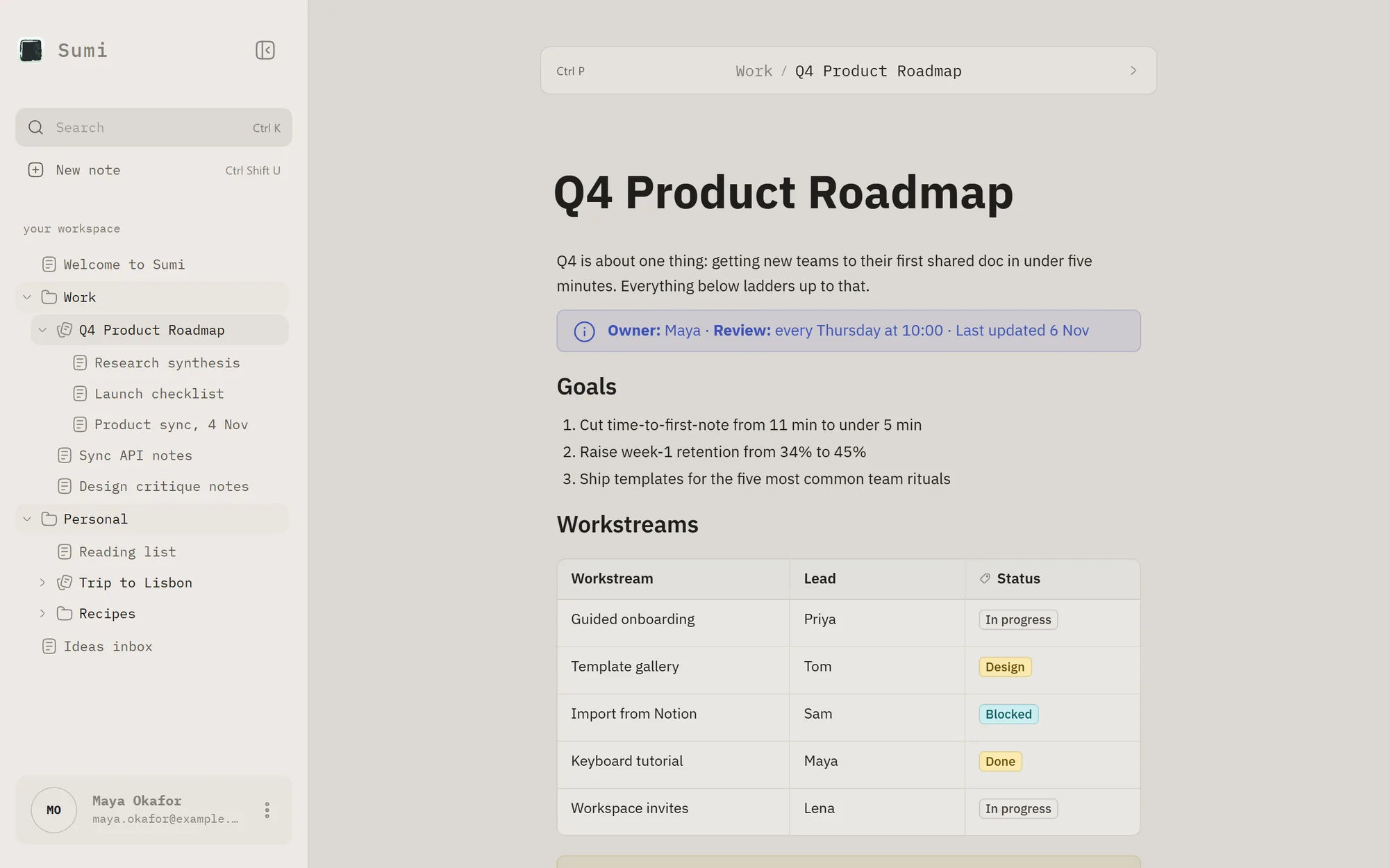
I take fast, messy notes and live on the keyboard. Most note apps I tried felt slow to navigate, or needed the mouse to keep things organised.
Sumi started from five rules. Every action has a shortcut, typing feels instant, notes are plain markdown, organisation can come later, and motion should feel polished, never sluggish.
Getting back to a note fast
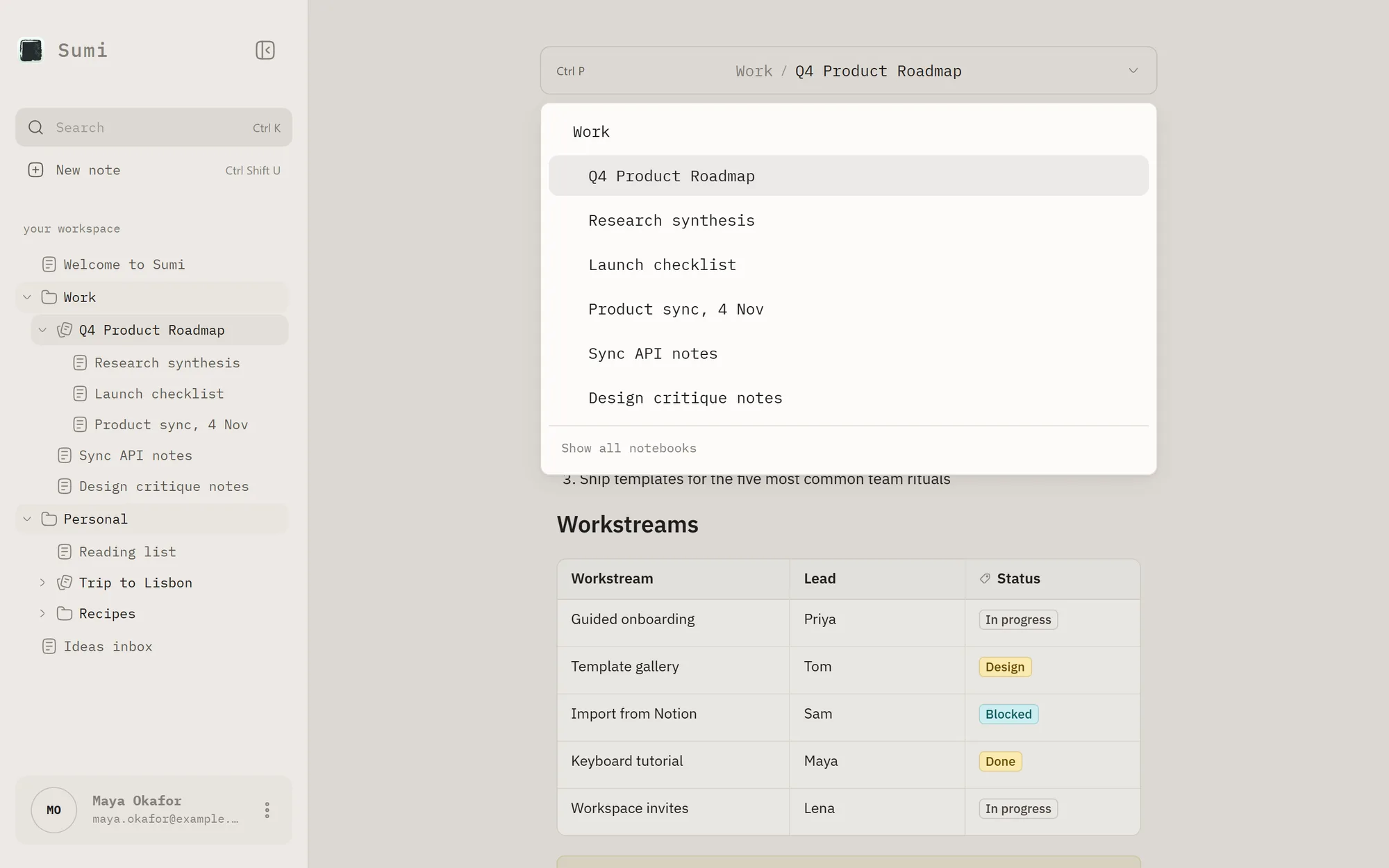
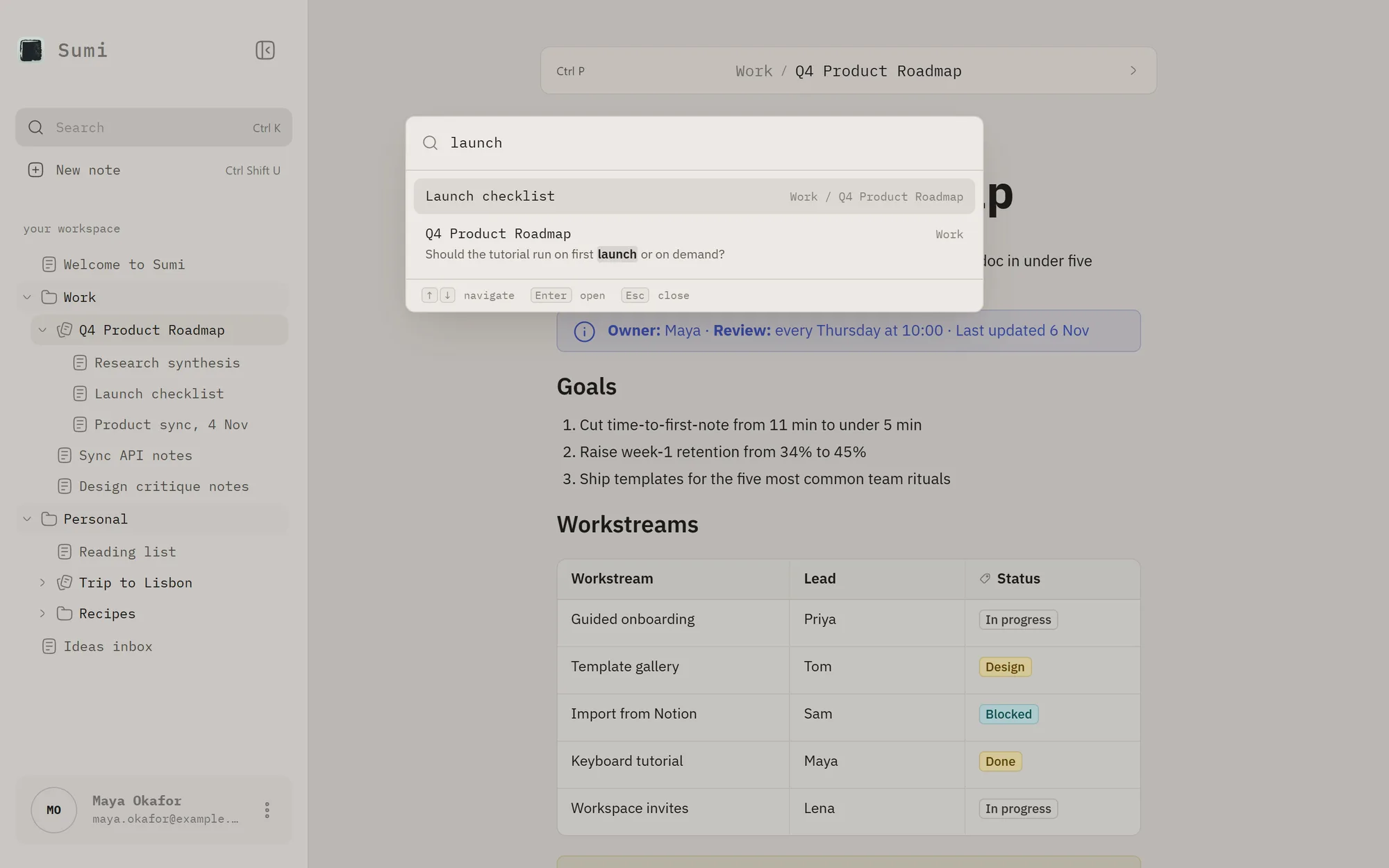
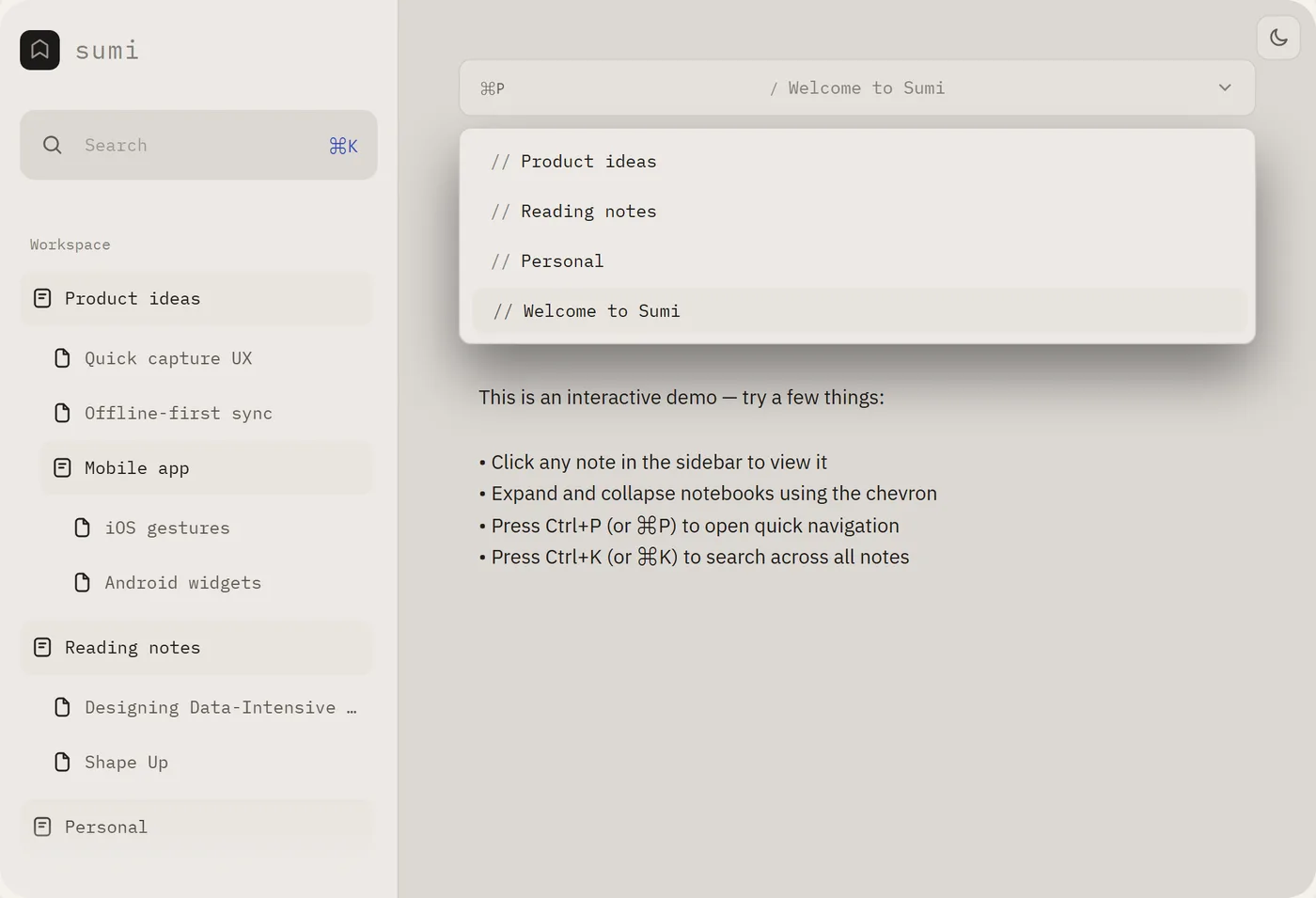
If you can't find a note quickly, the thought is gone. Ctrl P jumps between notes in a notebook, and Ctrl K searches everything, ranking titles above headings and headings above body text.
Writing without stopping
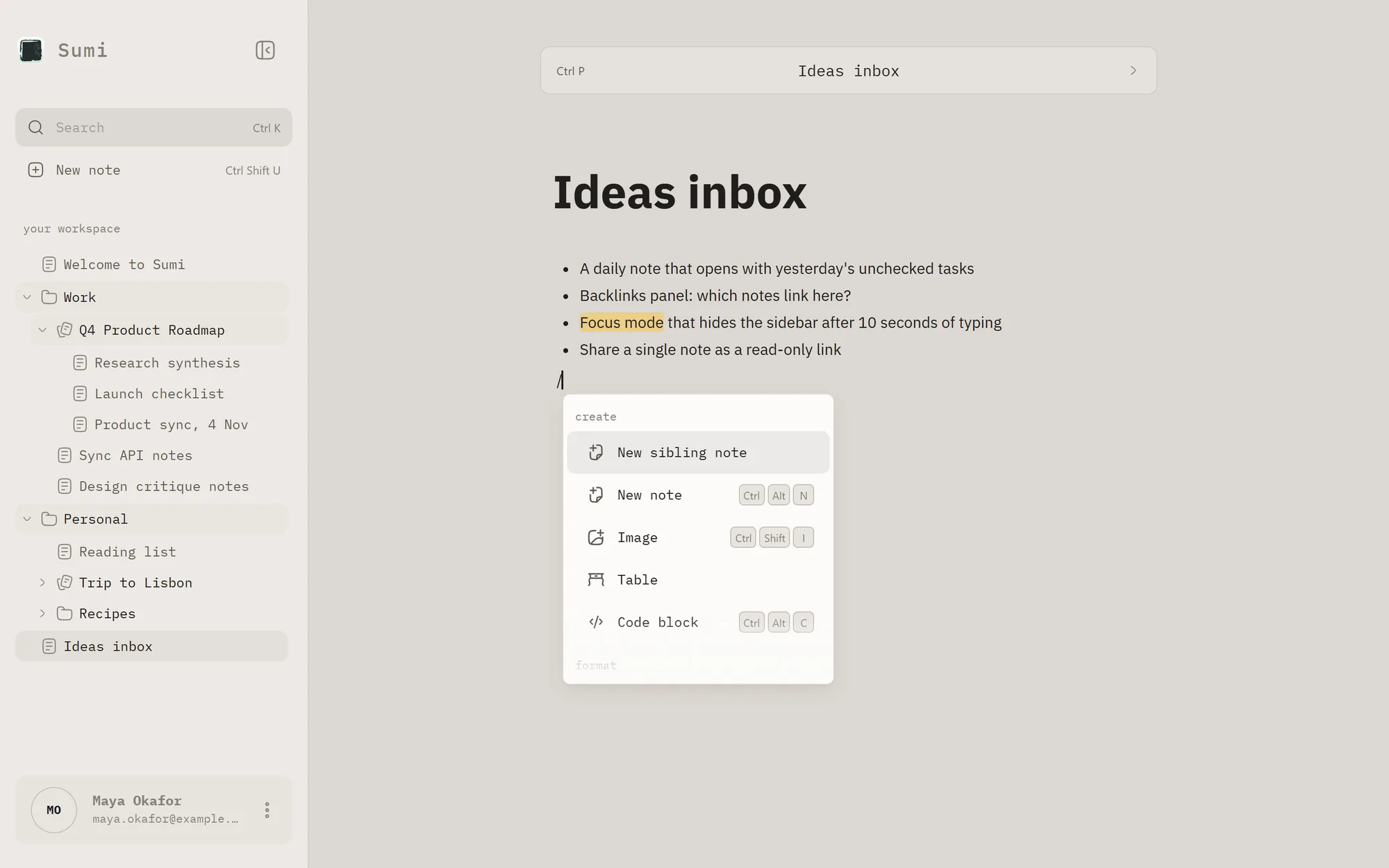
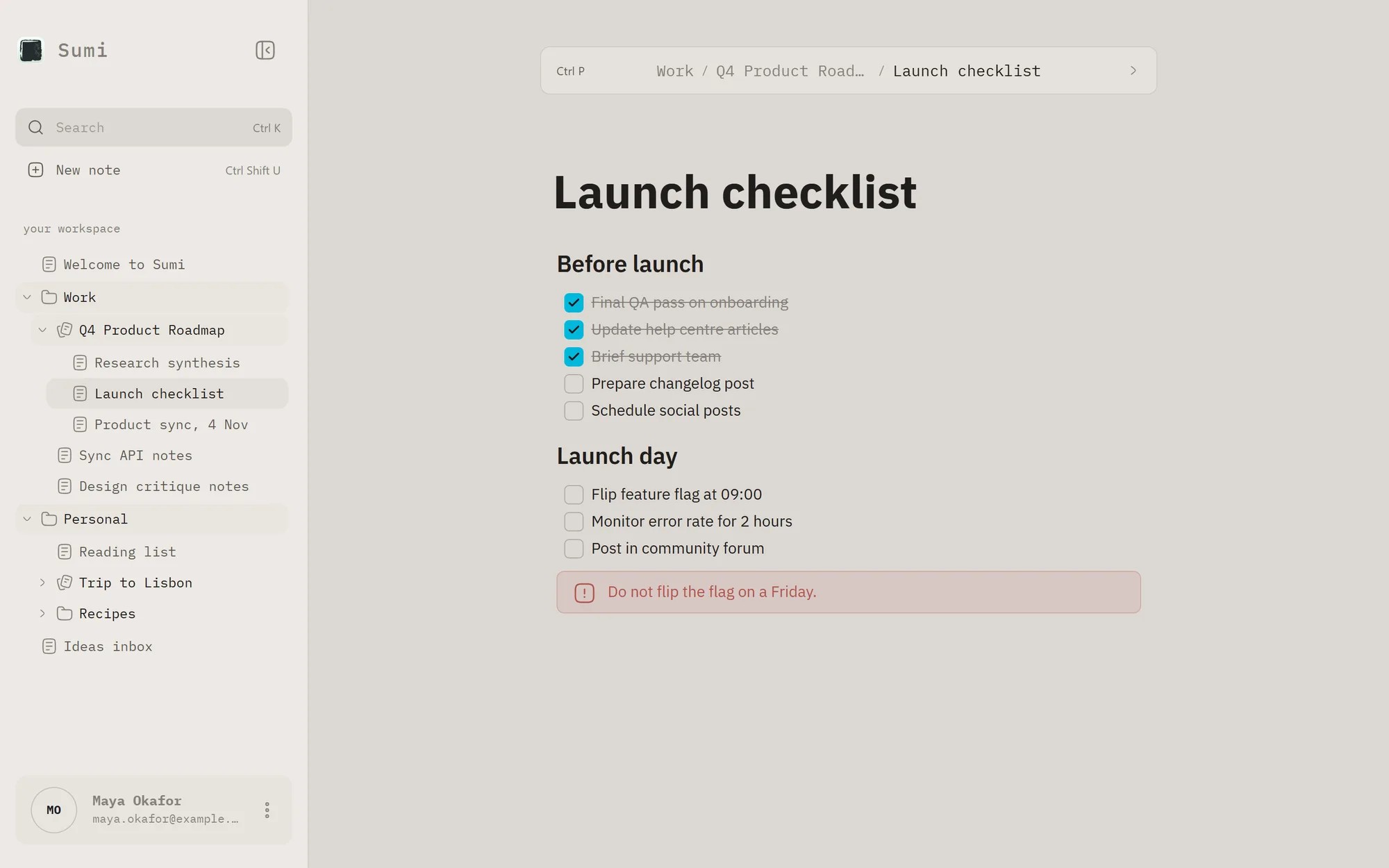
Markdown converts as you type, and / opens a block menu that narrows as you keep typing. Formatting never gets in the way of the thought.
Structure when you want it
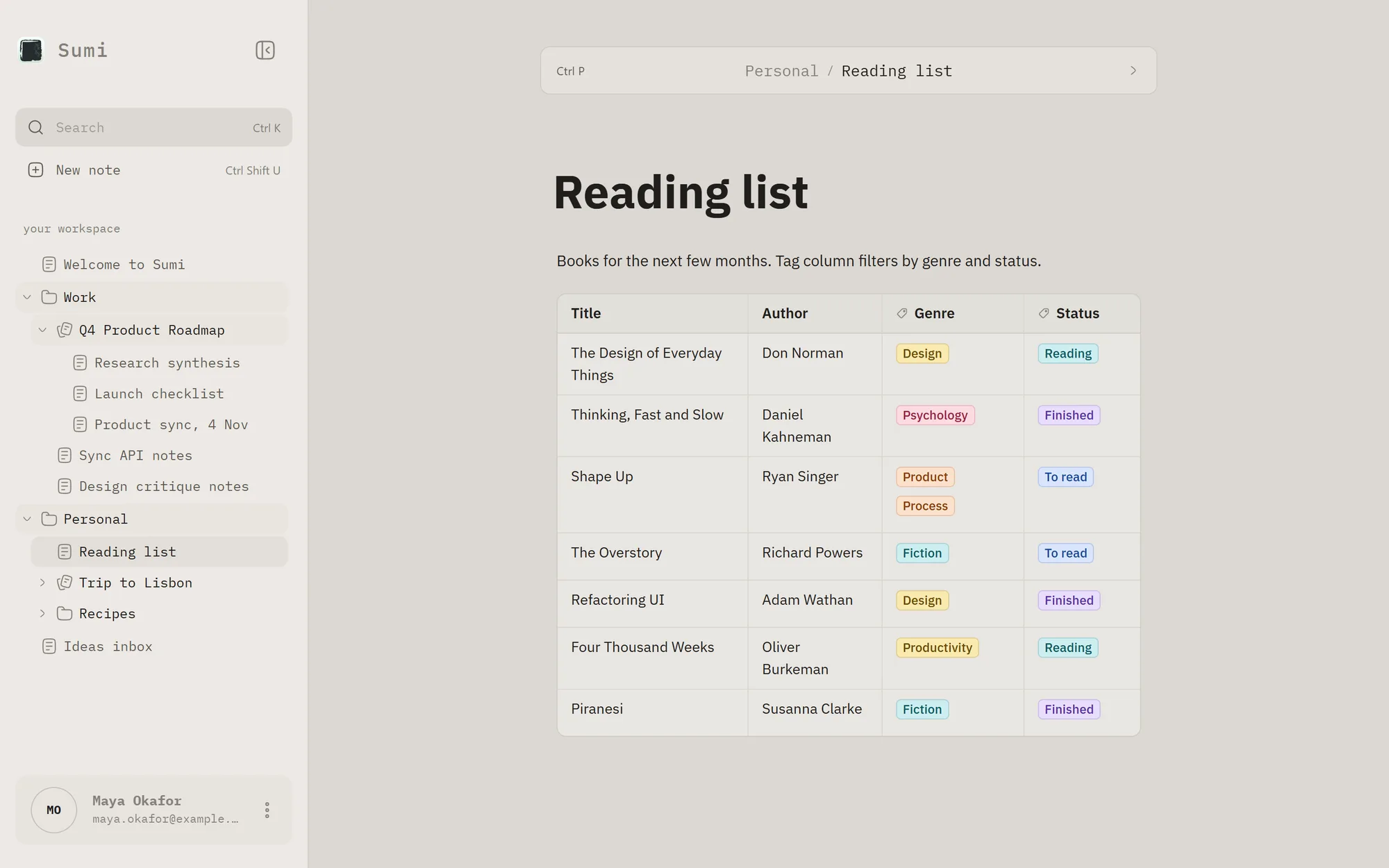
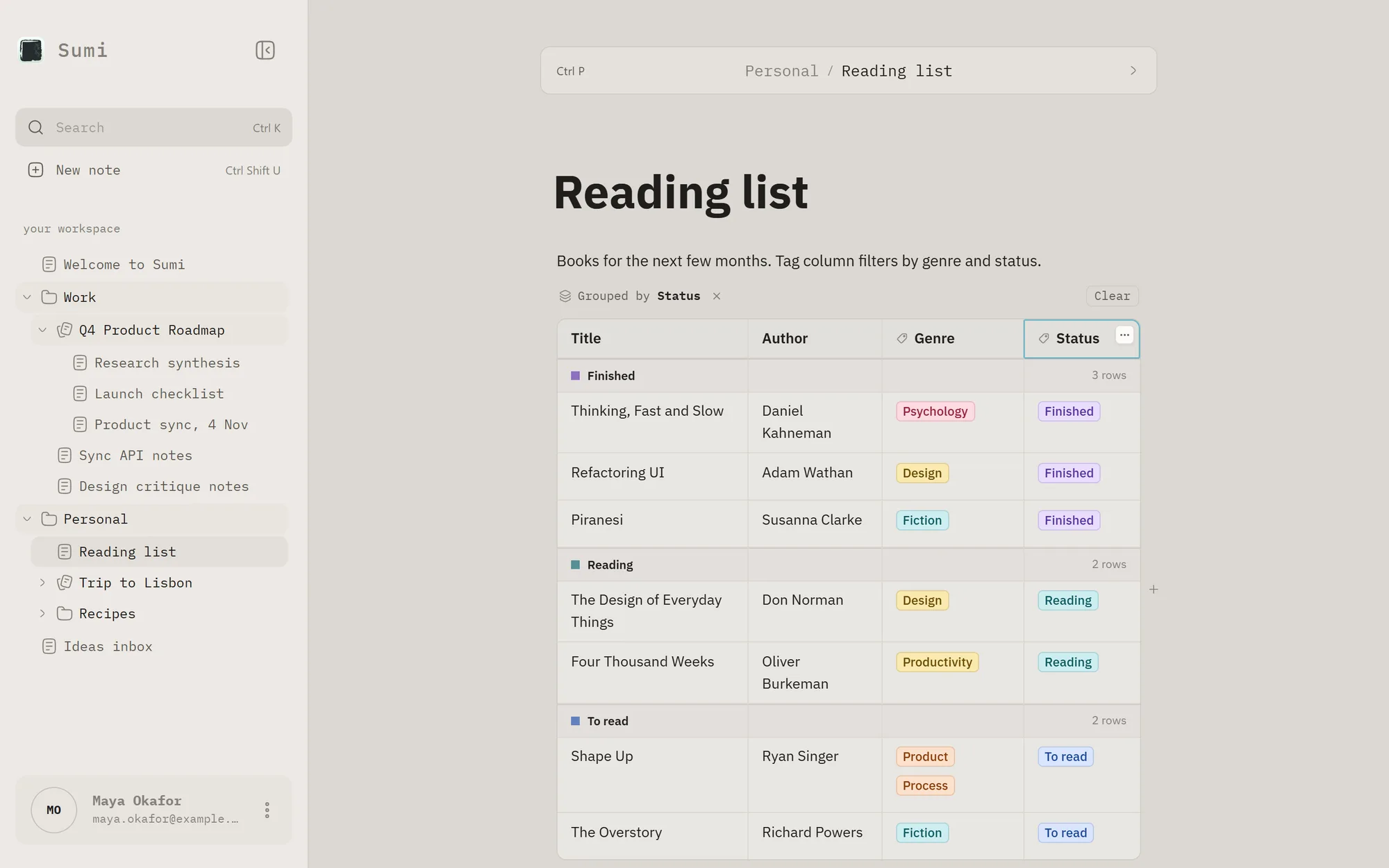
Any table column can become a tag column, then filtered or grouped by tag. Those views never change the saved note, so notes stay plain markdown you can take anywhere.
Private by default
Notes are encrypted on the device, so the server never sees what you write. That raised a product question, because a server that can't read your notes can't recover them either. The answer is a recovery key, shown once at sign-up.
The landing page
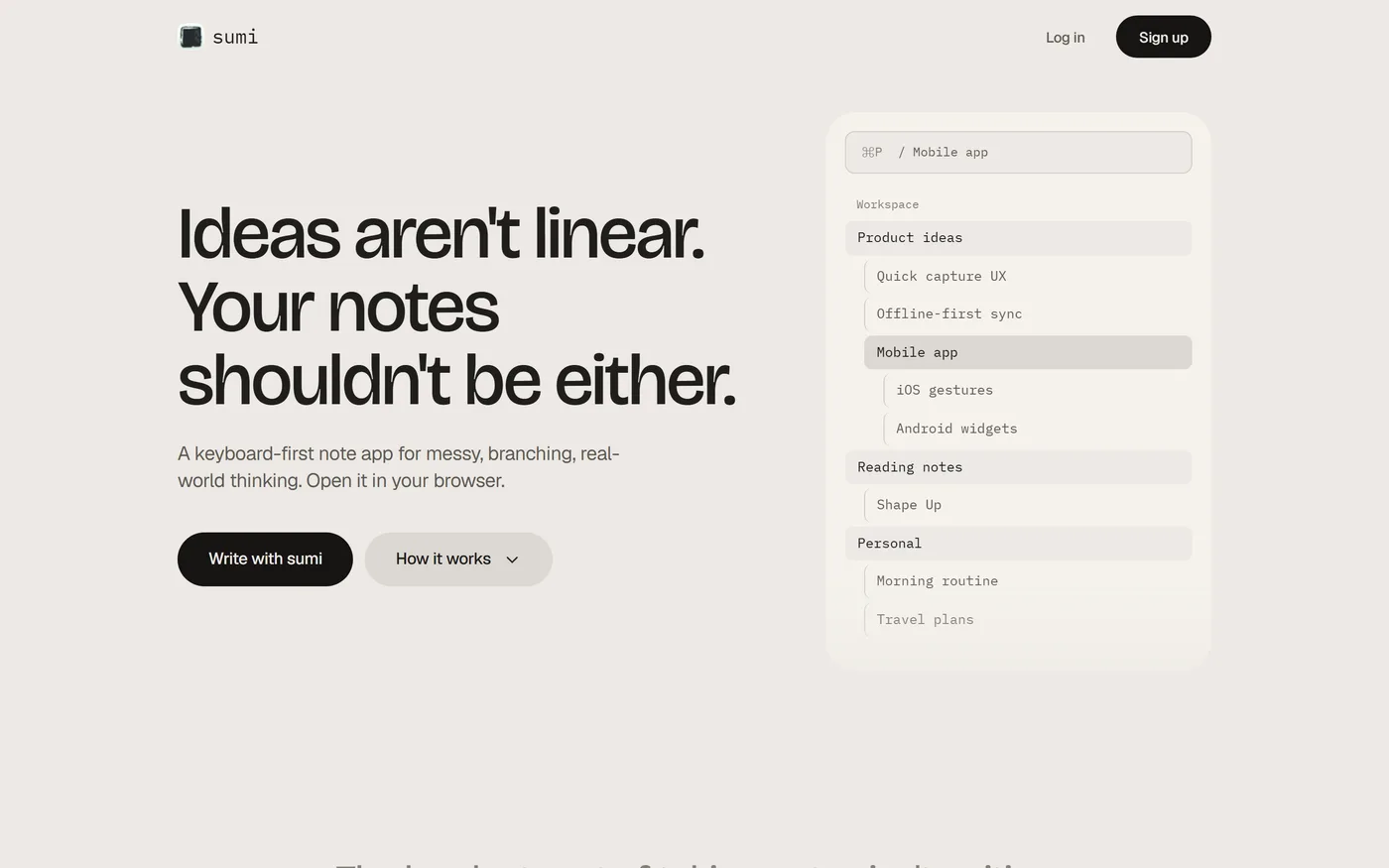
The landing page has one job, which is to make an unconventional idea about notes feel obvious, then get people trying it. It leads with "Ideas aren't linear. Your notes shouldn't be either." and lets visitors try navigation and search before signing up.
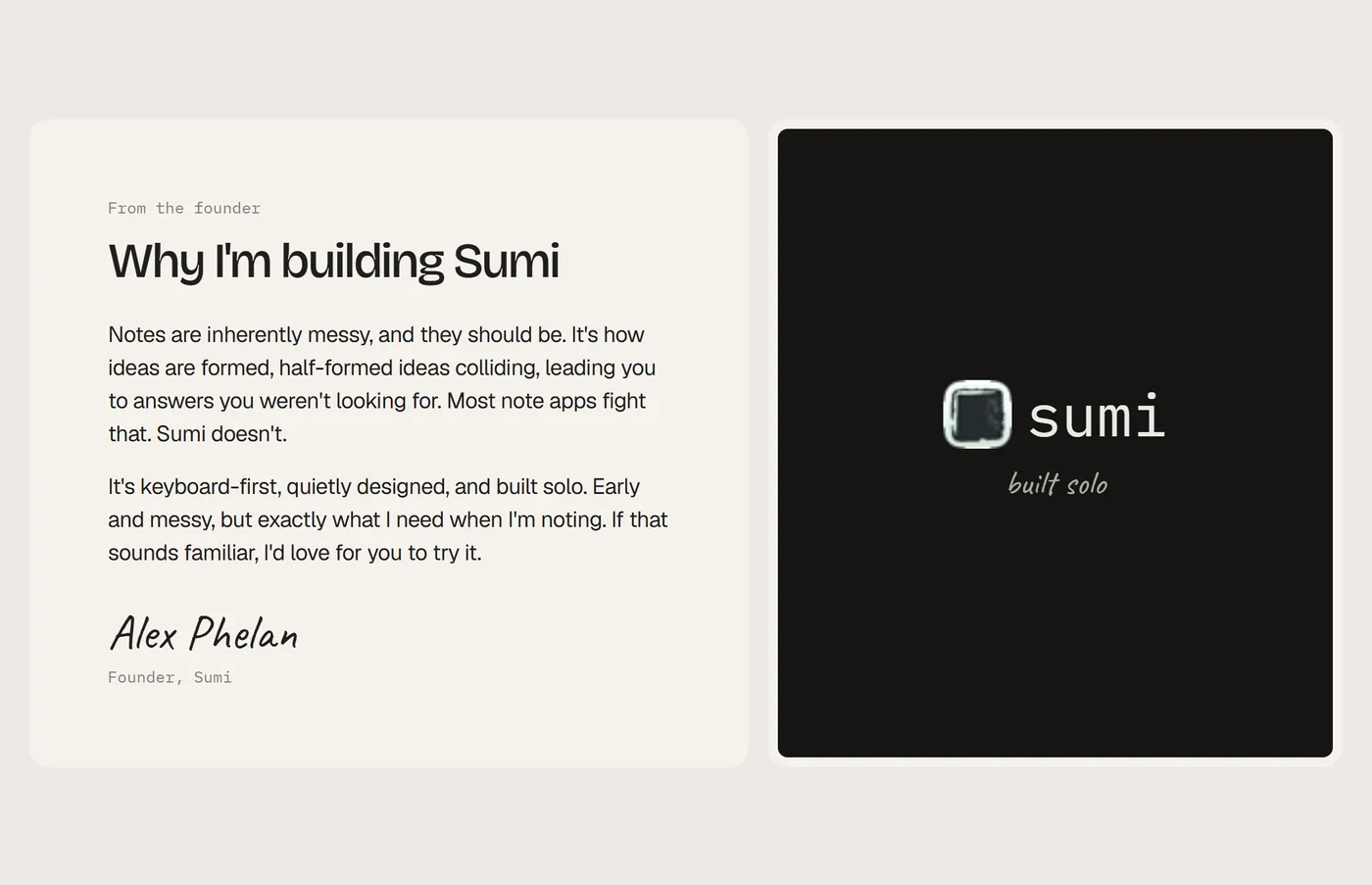
It closes with a personal note instead of logos or ratings Sumi hasn't earned yet.
Full landing page designs